
 If you have only recently bought a Garmin GPS unit and don’t want to invest a small fortune in matching maps straight away, you also have the option of using free maps. A good alternative to Garmin’s own topo maps is the map data of the “OpenStreetMap” project.
I haven’t tested how well the maps can be used for car navigation. I use the maps exclusively for hiking, and mostly only in the region where I live.
The maps are of course not complete, but because everyone can contribute to completing them, the gaps can be closed quickly with a bit of initiative. All the parts that already exist have generally been entered so accurately and conscientiously that, in my opinion, they can easily keep up with the maps from Google Maps or Garmin.
Loading OpenStreetMap onto Garmin units
The OpenStreetMap wiki has an entry called “All in one Garmin Map“. This is a Garmin map generated with Mkgmap. Fortunately, the hardest part of the work has already been done for us. All we really have to do is download the files and install them on the computer and the corresponding device.
Installing free maps of Germany
First we need to get hold of the necessary files. They can be found in the download directory of the OpenStreetMap server (dev.openstreetmap.de/aio). There you can choose which region you want to download. Since in our example we want maps for Germany, we quickly find what we need under dev.openstreetmap.de/aio/germany/. Once there, we download OSM-AllInOne-DE-basemap.exe and install it.
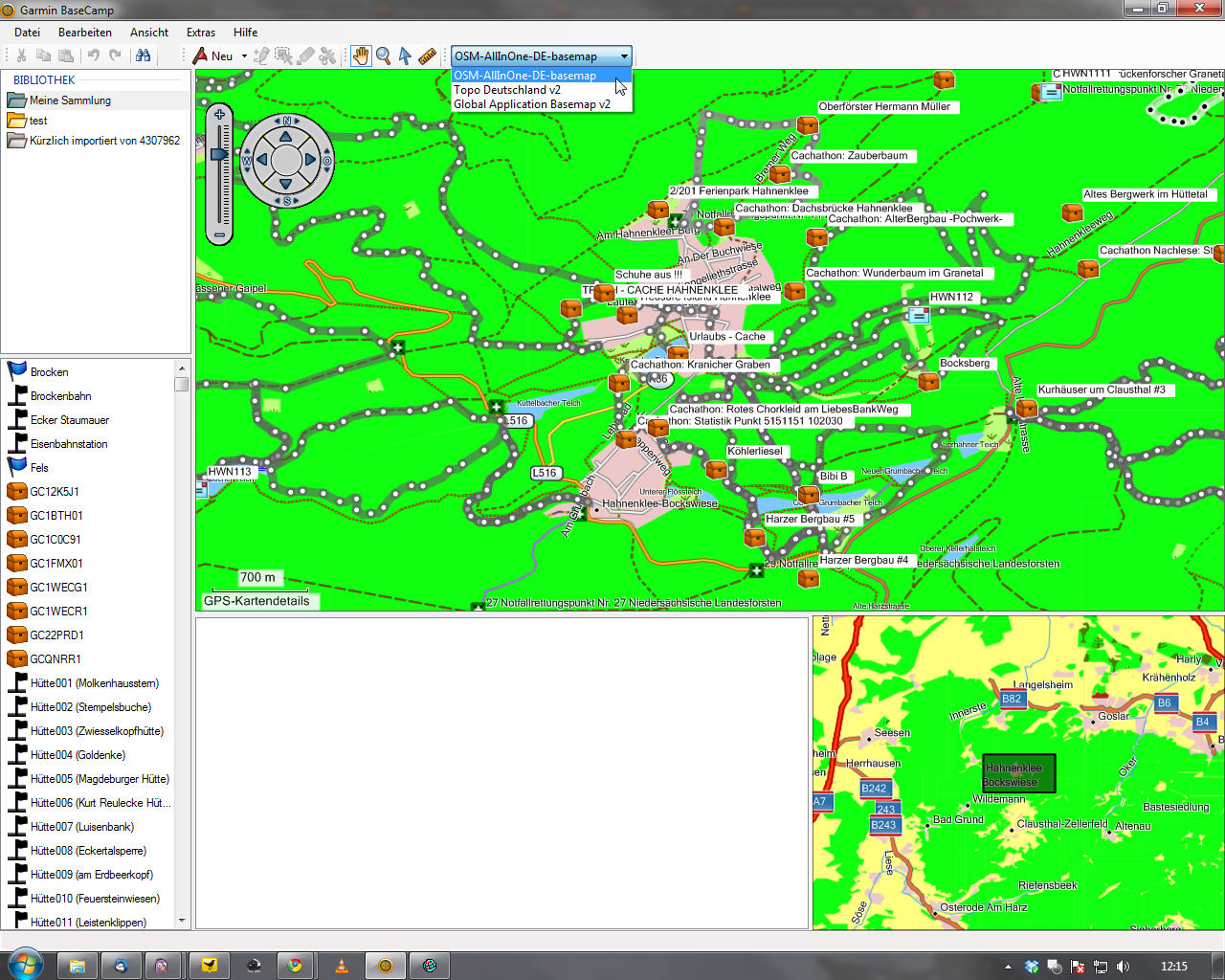
After installation, you can simply open the software used by Garmin. The OpenStreetMap maps should now be available to choose from. For me this works without any problems with MapSource and BaseCamp. The maps can be loaded onto the devices very easily via the “Install maps” function, just as with Garmin’s paid maps.